Olivia Bennett
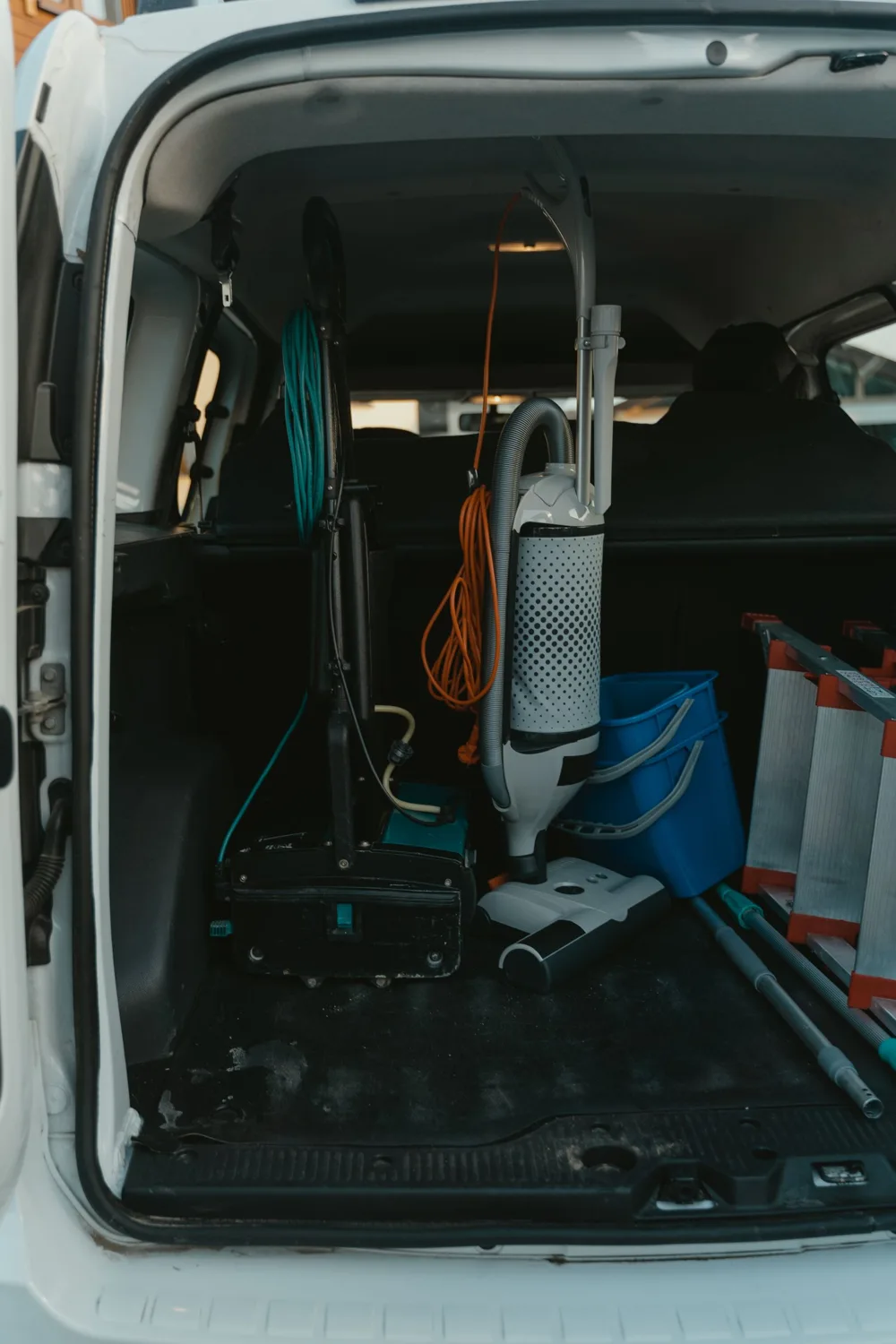
Variable-speed pump replacement
5412 Cedar Hollow Dr, Plano18 minDrive
11:52 AMArrive
2 hrOn site
Gate code 2580Dog in yardParts loadedCollect payment
Hi Olivia, it's Jordan with Sunmark Pool Co.. I'm on my way, arriving around 11:52. Live ETA: crewtend.com/t/8KQ2
From your business line, (972) 555-0142
Replaced the failing single-speed pump with a 2.7 HP variable-speed pump, primed the system, checked every fitting for leaks, and set a quiet, energy-saving run schedule.
| Item | Qty | Rate | Amount |
|---|---|---|---|
| Variable-speed pump, 2.7 HP | 1 | $1,880.00 | $1,880.00 |
| Unions, fittings, and PVC | 1 | $120.00 | $120.00 |
| Labor: remove, install, prime, program | 2 hr | $135.00 | $270.00 |
| Old pump haul-away | 1 | $45.00 | $45.00 |
Give your team one place to schedule work, capture job photos, build estimates, send invoices, and collect payment. Your office, technicians, and customers stay connected from the first call to the final receipt.
The phone opens on the next stop. Estimates and invoices use the same billing surfaces as the office. Online booking stays on the booking page, where customers request a visit.
7 jobs, the next one first, with live drive time and arrival. A pump replacement was booked for 9:00 and he's running late, so the app says so instead of hiding it. The day is tracking to 8:40 PM; the office can review flexible jobs and move them to another day.
One tap sends "I'm on my way, arriving around 11:52" from your business number, with a live tracking link. No personal phone numbers, no "where's my tech" calls to the office.
The checklist has to be finished before the job can close. Capture photos with time, available location, and the right job or equipment context. A finding becomes an estimate the office can review; collect payment through connected payment services and set up recurring billing.
The customer portal shows upcoming visits, the service report with before and after photos, signed documents, the estimate with Good, Better, Best, and a pay button. A few minutes after the job closes, a review request goes out from your business line.
Hi Olivia, it's Jordan with Sunmark Pool Co.. I'm on my way, arriving around 11:52. Live ETA: crewtend.com/t/8KQ2
Replaced the failing single-speed pump, primed the system, checked every fitting, and set a quiet run schedule. Warranty registered for you.
 0.5x1x3xCapture time saved · GPS when available
Open the camera on site and it pulls the closest job. Save the time and available location with each capture, and keep it connected in two places: the client's gallery and your company-wide gallery, sorted by customer, property, equipment, technician, date, and category. Approved photos become case studies and posts without anyone opening a design tool.
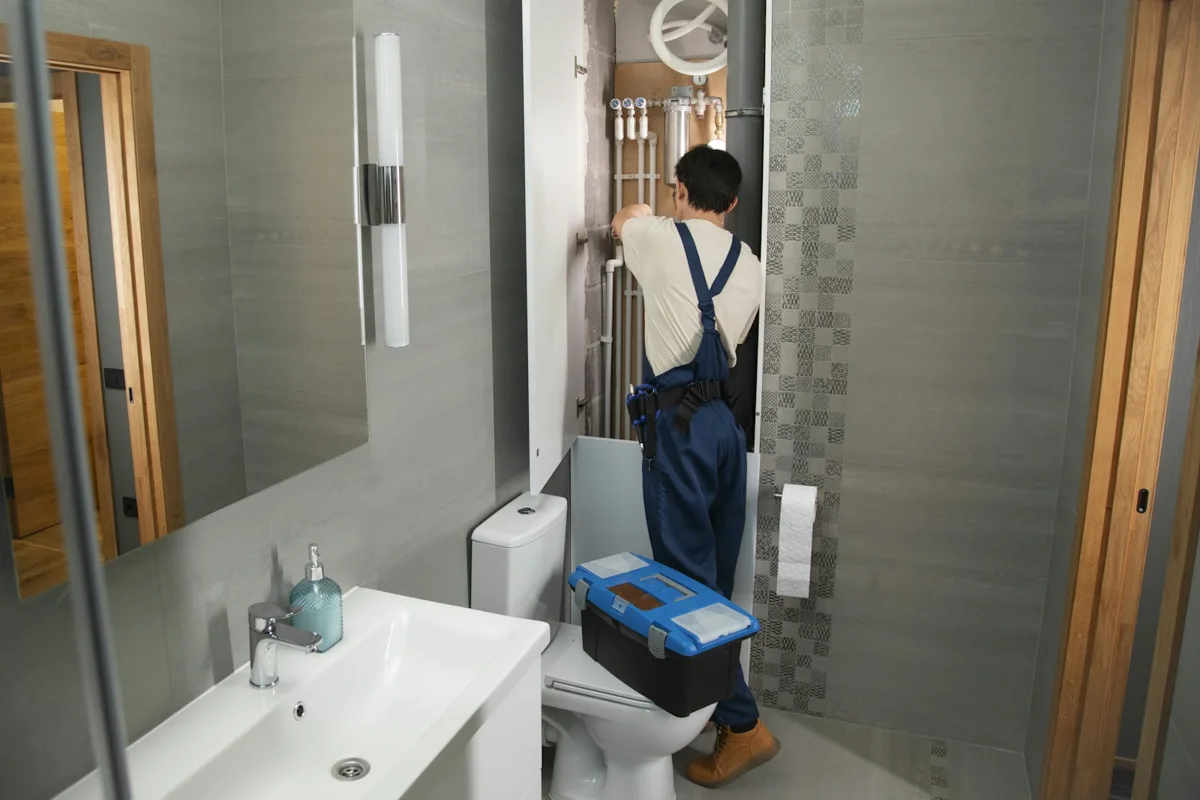
A homeowner reports a bathroom plumbing leak. See how the technician’s photos, repair notes, and final checks become a case study ready for review.
The homeowner reported a bathroom plumbing leak. The technician documented the pipework, located a loose connection, completed the agreed repair, and checked for leaks with the water running. The homeowner received a clear service report with the work recorded in one place.
From the first site photo to the final customer report. Tap a visual to try the workflow with sample records.
Site capture Walk & Talk0.5× · Site view3× · Detail cropPhoto markup
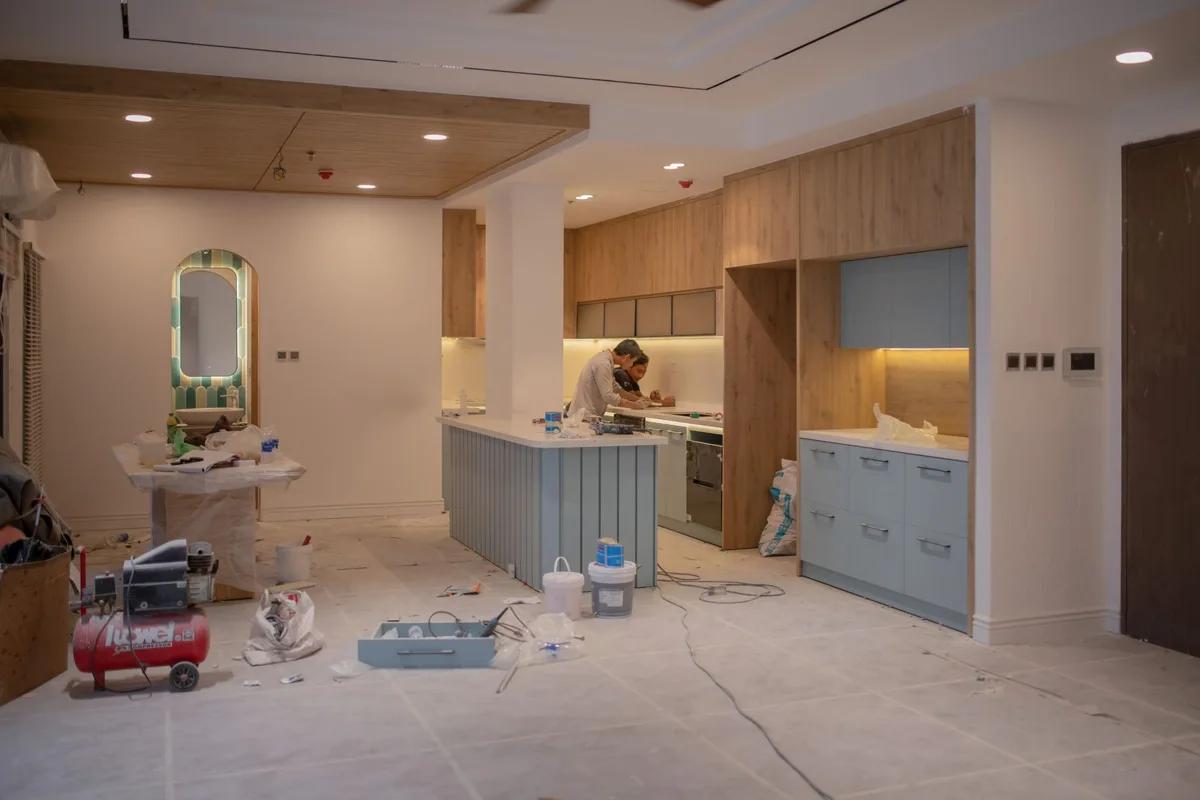
 Work completed
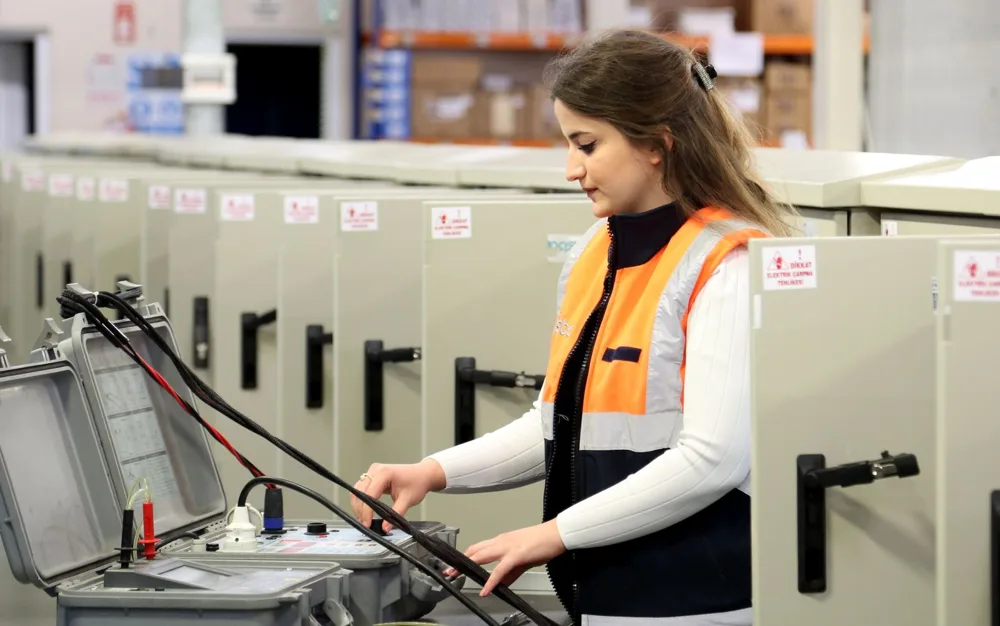
 Pool & SpaHVAC/RPlumbingRenovation
Bring invoices, payment requests, receipts, bills, purchasing, and bookkeeping into one workspace. Review extracted receipt details, match expenses to jobs, and keep exceptions visible. Connect payment services before collecting money.
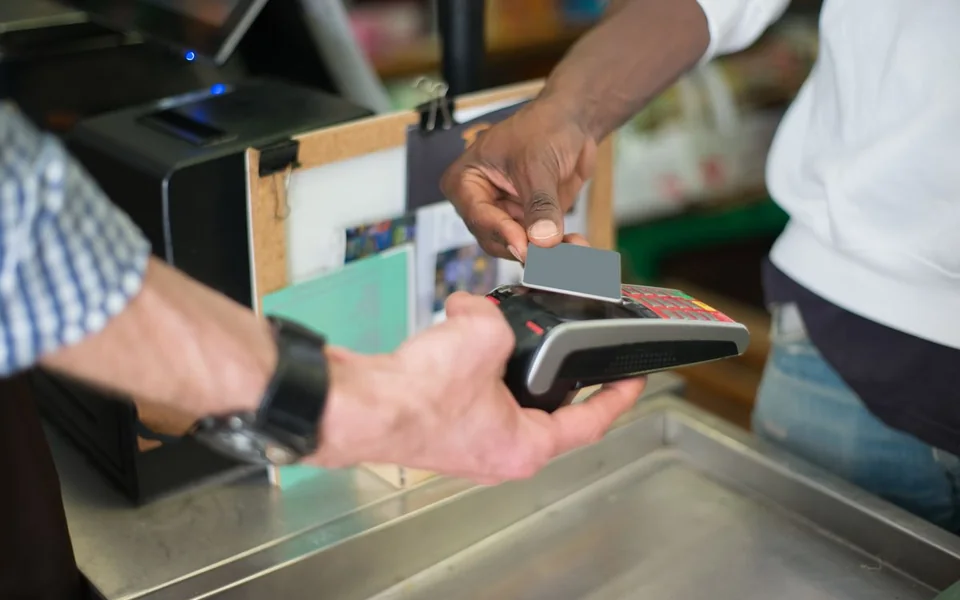
Choose a card to try payments, receipts, costs, and bookkeeping with sample data.






Illustrative photographs and pencil sketches. Explore each card with sample data.
Seven ways to plan the day: Timeline, Map, List, Board, Calendar, Split, and Capacity. Try the calendar with technicians in columns and appointments down the day, or compare workloads before assigning the next job.
Interactive sample schedule. Select a job to review it. On smaller screens, swipe the schedule sideways.
A few minutes after a job closes, the customer gets a review request from your business line. When the review lands, CrewTend matches it to the job and the technician behind the scenes, drafts a reply in your voice, and posts it or waits for your approval. Review replies before publishing to connected review channels.
Jordan texted before he came, showed me the old pump, and the new one is silent. The photos on the invoice were a nice touch.
Cards marked Interactive demo respond when you tap them.
Review schedule risks, ask questions about saved work, draft customer messages, and turn field notes into useful context. Record-based review cards stay available alongside connected AI. Your team reviews changes before taking action.
Customers see what's wrong, three ways to fix it, and a recommended pick, then tap to choose and sign. Before you send it, CrewTend shows the gross margin on each option against your own target and warns when a pricebook cost has gone stale. Snap a broken part and the AI suggests the pricebook lines.
From your business line, (972) 555-0142
When a tech leaves, the relationship stays with the business. Conversations, visits, media, findings, estimates, invoices, agreements, and warranty work sit on one customer and property history, so the next visit starts with the whole story.
Every request, approval, and payment lands on the same customer and property record, whether it came from the website, a text, the portal, or the AI Receptionist.
Each industry pack brings its own checklists, job types, photo categories, forms, and pricebook starters. Choose a trade to explore its app features, interactive previews, and field workflows.
FROM FINISHED WORK TO PAID INVOICE
Start with the CrewTend default. Explore ten designs when you’re ready. Try every step below.
ILLUSTRATIVE WORKFLOW
Review the line items, service notes, and evidence before sending.
Sample invoice. No charge, message, or accounting entry is created in this preview.
Service completed. Details documented.
| Description | Amount |
|---|---|
| HVAC equipment & materials | $1,880.00 |
| Installation and system checks | $600.00 |
CREWTEND AI
From the first call to the final report, see where CrewTend AI helps—and where your team reviews the next step.

Capture the caller’s name, property, and service need. Apply your business rules and pass the conversation to the right person.
Phone connection and company call rules required. The person shown is a stock model.
Open your workspace
Ask a question against available job notes, manuals, and saved records. Review the cited context before acting.
Connected AI and available source records required.
Open your workspace
“The pipe route is blocked by a beam.” Turn the observation into a clear draft for the responsible professional.
AI does not approve engineering, code, or safety decisions.
Photograph a receipt, check extracted amounts, and match the expense to the right job.
Sample amounts. Review every extraction before posting.
Open your workspace
Review unresolved RFIs, upcoming work, and saved business activity in one place.
Illustrative briefing; live results depend on your saved records.
Open your workspace
Bring scope, job notes, and an RFI answer into an estimate. Review the quantities, rates, and options before sharing.
AI suggestions are drafts, not verified takeoffs or final prices.
Open your workspaceInteractive examples · stock photographs and original CrewTend interface previews.
BUILD / RFIs
Circle the conflict. Describe what you see. Review the question, send it to the responsible person, and keep the answer linked to the work.
Your project team makes the decision. CrewTend preserves the evidence, response, cost, and schedule history.
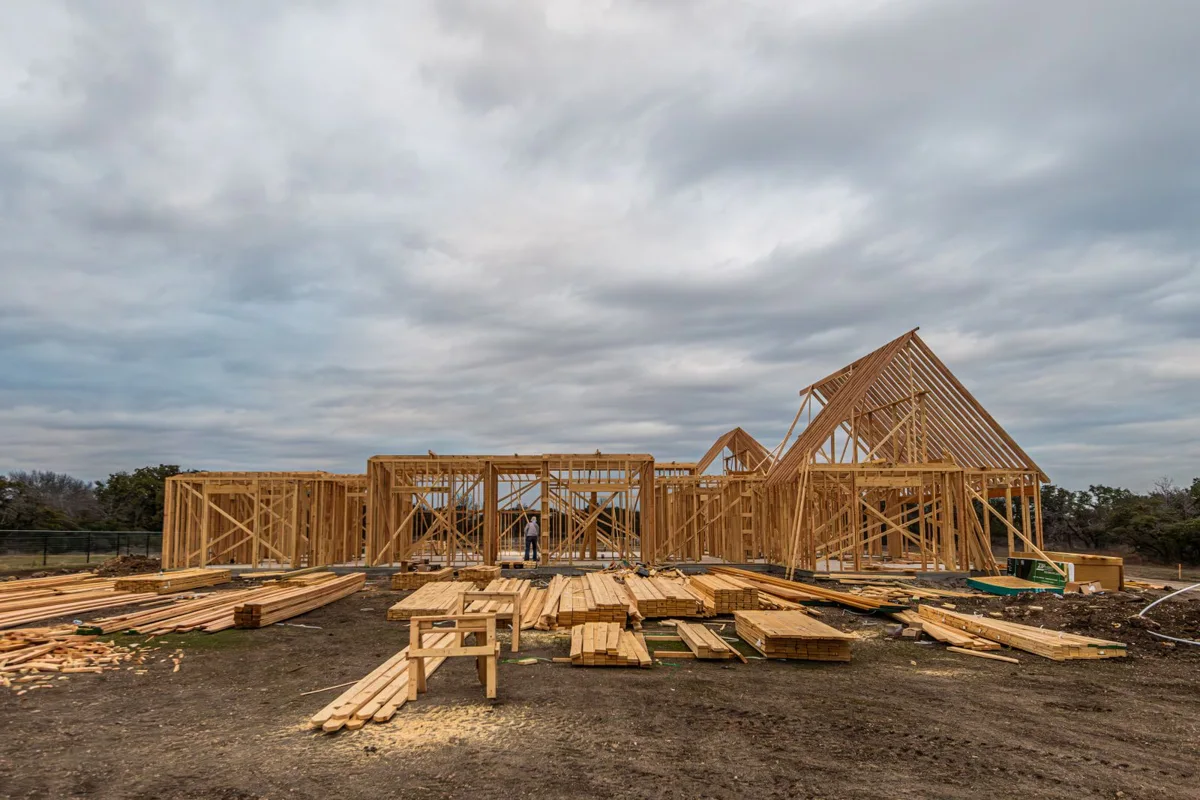
A build is not a service call. Build writes the proposal by phase, schedules the weeks, sets the draws, tracks change orders, and sends a progress invoice with GPS-stamped photos each time a phase is done. Customers see proof before they pay.
Choose a project to see its scope, field evidence, and payment milestones.

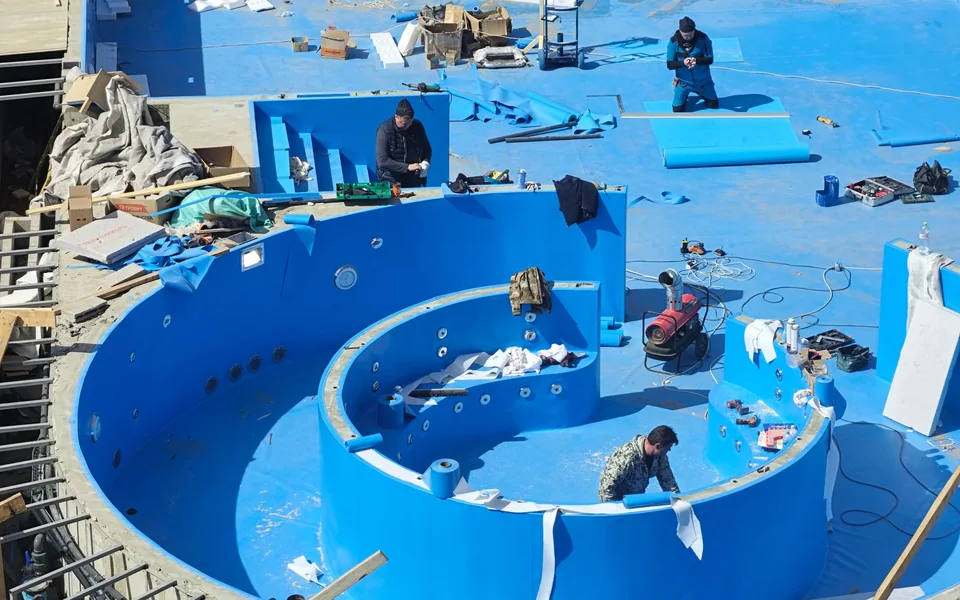
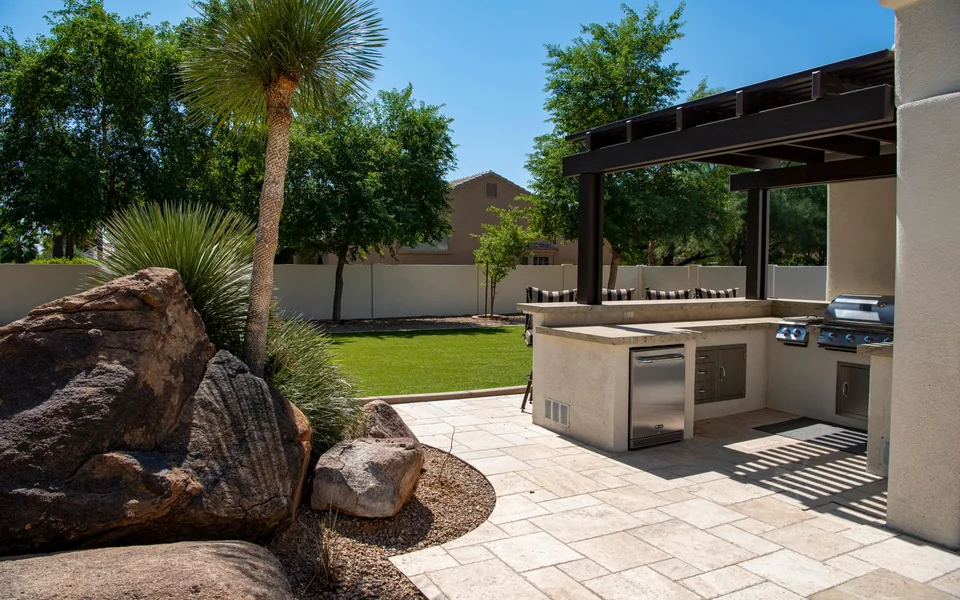




Illustrative photographs and pencil sketches. Explore each card with sample data.
Open a story and follow the work from the first call to the final report. These are illustrative scenarios with stock photographs, not customer results.
Buy the product you need today. Every one of them shares the same customers, properties, equipment, media, and ledger, so adding the next one never means a second system.
Choose the workflows that fit your business. Review rules, connected services, and approval requirements before enabling automation.
Help lives beside the task, and the migration is a checklist, not a leap.
Office plans include your core customer and field workflows. Compare the current plans, usage-based services, and optional products before choosing what to add.

Try CrewTend free for 30 days. Core plans start at $79/month with unlimited clients and team members. Get free onboarding, compare optional products, and see each price before activation.
Tap a question. If yours isn't here, email crew@crewtend.com or visit Support.
Your customer records, photos, and financial records belong to your business. See our Privacy page for how information is handled, and use the export controls in your workspace.
Previously loaded field work and supported drafts remain available when signal drops. Sync status shows pending work. Online services, payment processing, and AI need a connection.
Captured media stays connected to its job or customer and appears in the company gallery according to access permissions. Review customer visibility and location-sharing controls before publishing.
Yes. Import customers and service locations from CSV or Excel. CrewTend AI matches unfamiliar columns and can read a screenshot of a list. You review the sheet, resolve duplicates, and set up recurring work in one place, with a person from our team on the call if you want one.
No. Start with Office, or with a standalone product like Money, Estimate, Sites, or Docs. They all share one company, one customer list, and one ledger, so adding the next product later never means re-entering anything.
Money can run alongside your existing CRM. Check Integrations for supported connections, setup requirements, and accounting exports.
30 days free, then core plans from $79 a month with unlimited clients and team members. Onboarding and the customer import are free on every plan. Add-ons show their price before you switch them on, and provider-based services, like the AI Receptionist's phone minutes, are disclosed per use.
Ask us. Share the workflow you need and review the product roadmap. We will help clarify what is available and what needs additional work.