
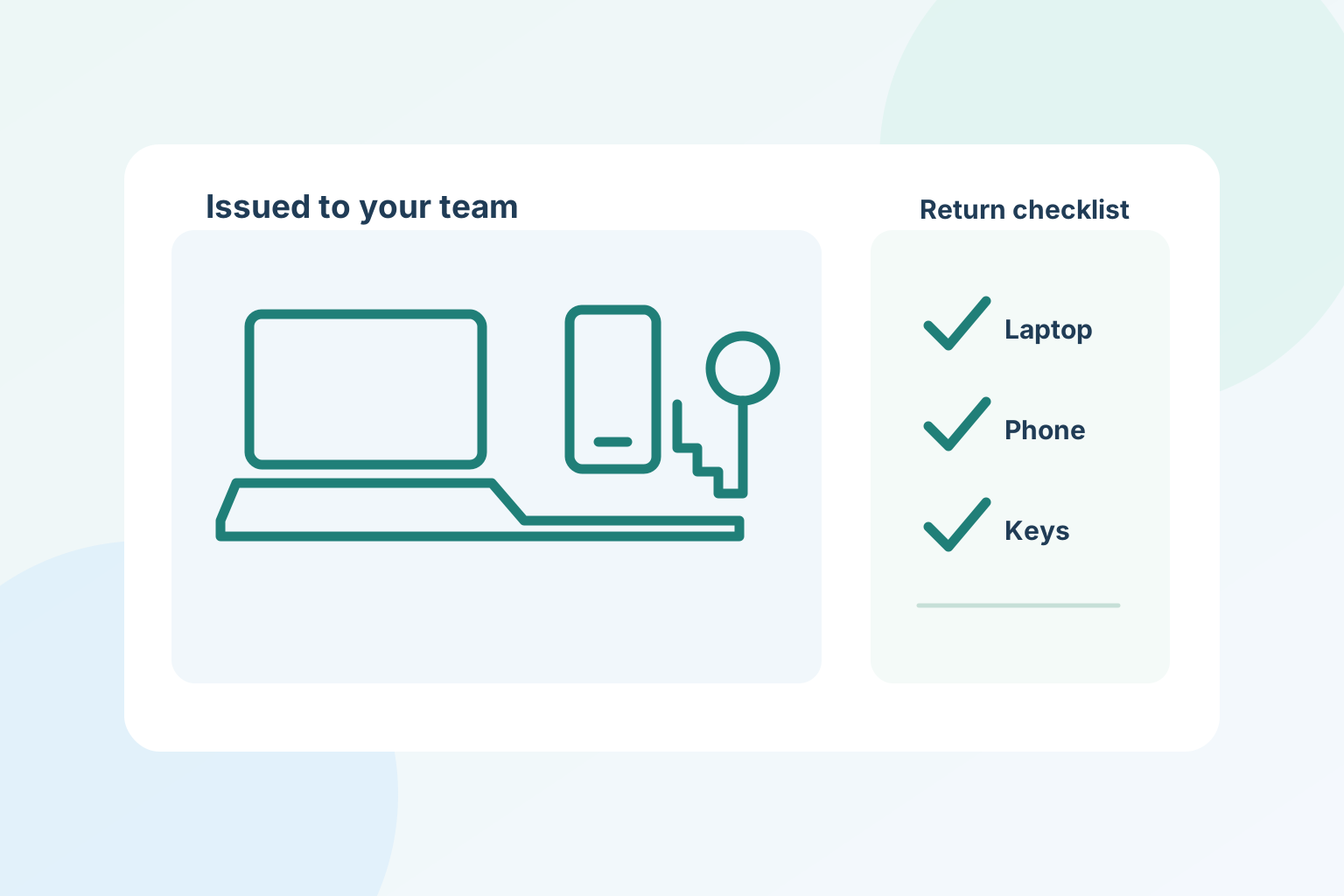
The end of an employee’s last shift is a poor time to remember which keys or devices they hold. An assignment record created during onboarding turns that scramble into a short, reviewable handoff.
Record each handoff
List the asset, its identifier or serial, condition, issue date, assigned employee and the person who approved the handoff. Include physical keys, access cards, phones, laptops, headsets, vehicle items and company tools. Avoid recording full payment card numbers in an employee profile.
Keep access separate from property
Returned gear and revoked access are two different checks. Record both the physical return and the status of accounts, shared passwords, customer systems, phone lines and building access. An employee should not be marked fully offboarded while a key or credential remains unresolved.
Close exceptions deliberately
If an item is missing or damaged, record the condition and responsible follow-up instead of silently marking it returned. Preserve the assignment and return history for review under the company’s retention policy.
Make the checklist part of onboarding
A repeatable template makes future exits simpler. Review the list whenever a role or assigned vehicle changes, then confirm it with the employee at each handoff.
Keep the customer, the work and the next action connected.
Explore crew management