
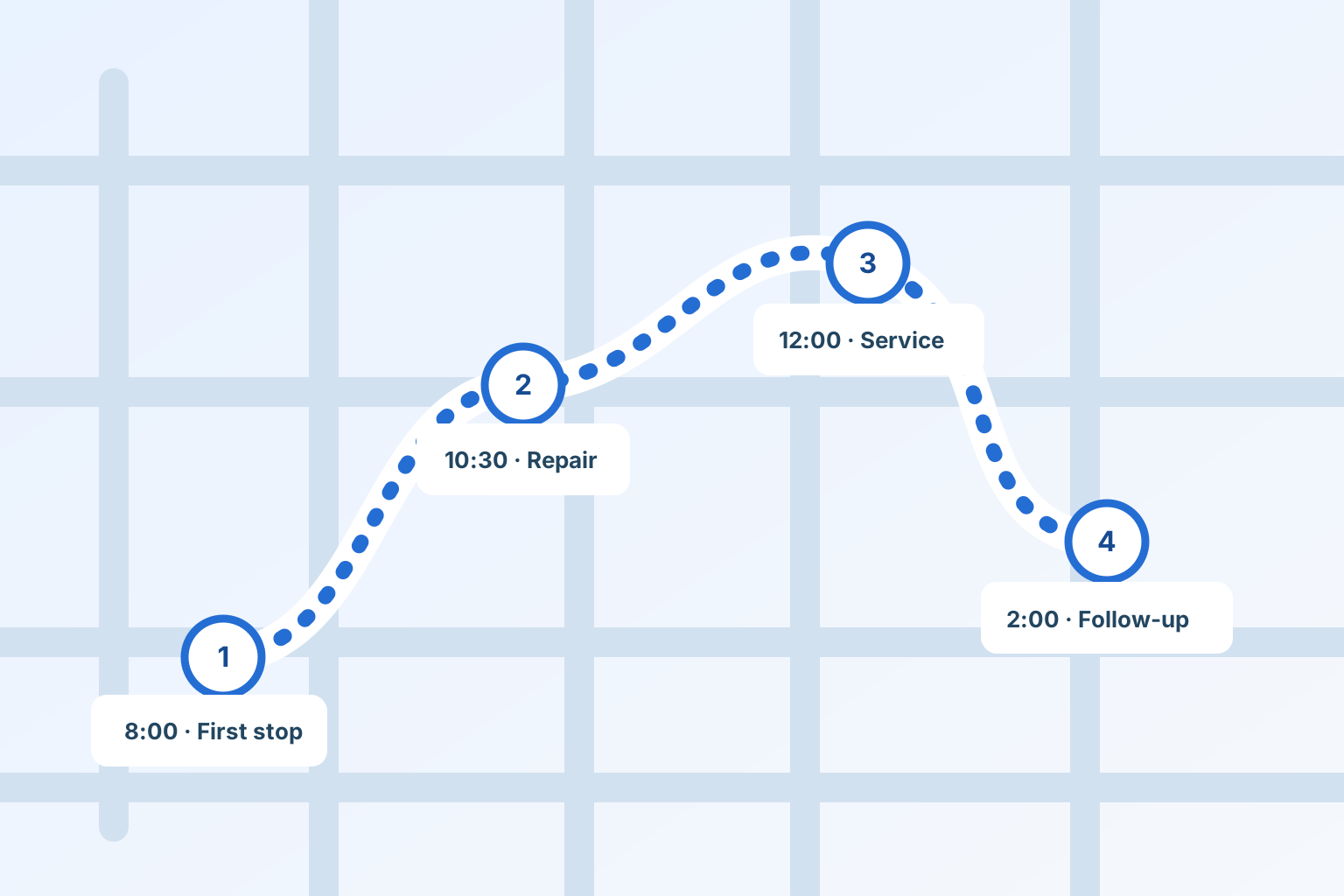
A route is more than a list sorted by driving distance. A useful plan respects commitments, technician skill, allocated time and the work that might run long.
Start with constraints
Group visits by date and technician, then identify fixed appointment windows, priority repairs, access windows, parts readiness and required skills. Estimate service time as well as drive time.
Keep routine work flexible
Leave some capacity for the job that exposes a second problem or needs a return visit. When a stop changes, record why and update the office and affected customer. Completed visits should stay in the day’s history.
Give the field a clear next step
Show the current stop, status and arrival window without crowding the screen. Put directions and a work order one tap away. Label route optimization as a suggestion until a dispatcher checks commitments and applies it.
Review what the route cost
Compare planned travel, actual drive time, visit duration and callbacks by area and type of work. Those measurements can expose the route that looks compact on a map but costs hours in the field.
Keep the customer, the work and the next action connected.
See scheduling & dispatch